Data Sources
Train your AI agent with websites, documents, text snippets, Q&A pairs, and Notion. Learn how to structure training data for optimal agent performance.
Text Snippets
Create custom text snippets for flexible, organized training data. Perfect for maintaining structured information.
Creating Snippets
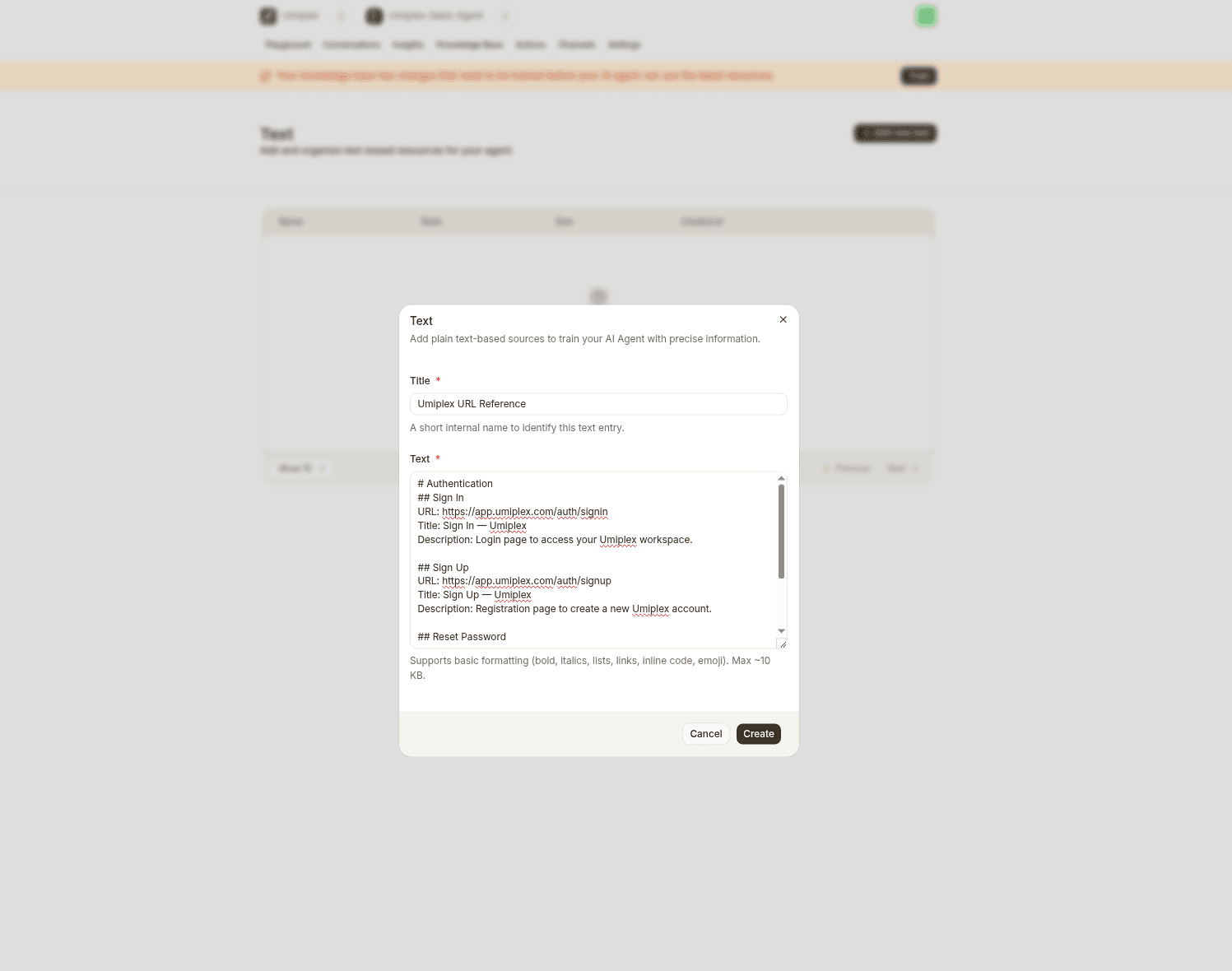
Add multiple snippets, each with a unique title:
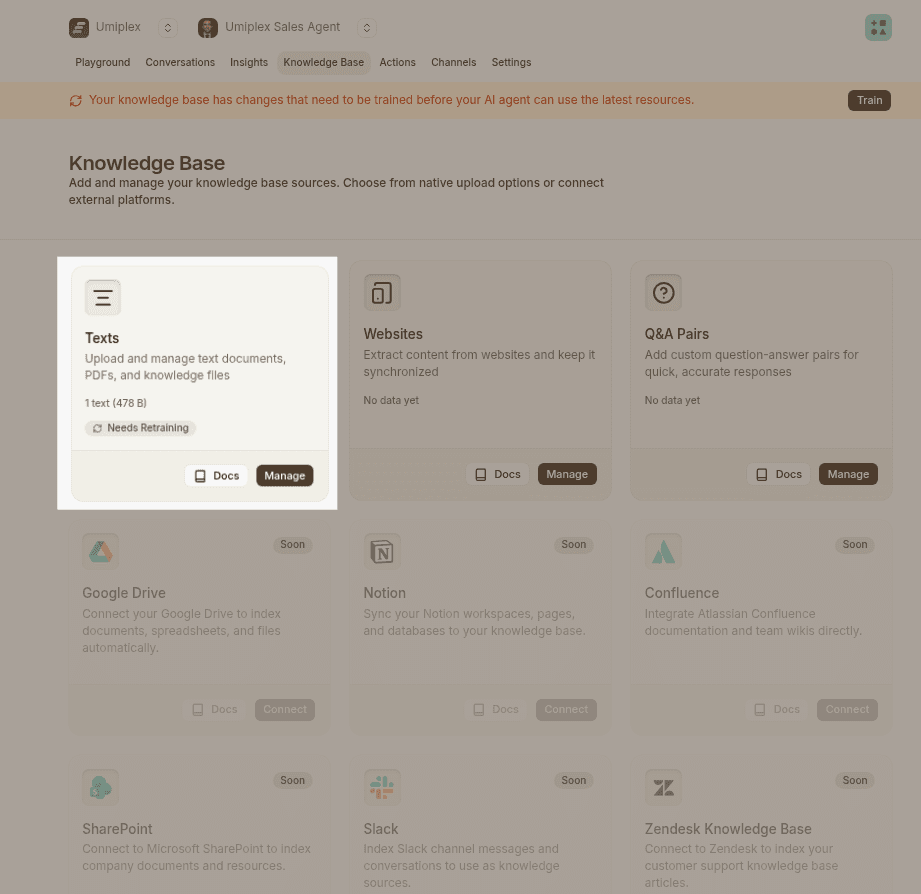
Formatting
Each snippet supports rich text:
- Headings for structure
- Bold, italic, strikethrough
- Ordered and bullet lists
- Hyperlinks
- Emojis
Website Crawling
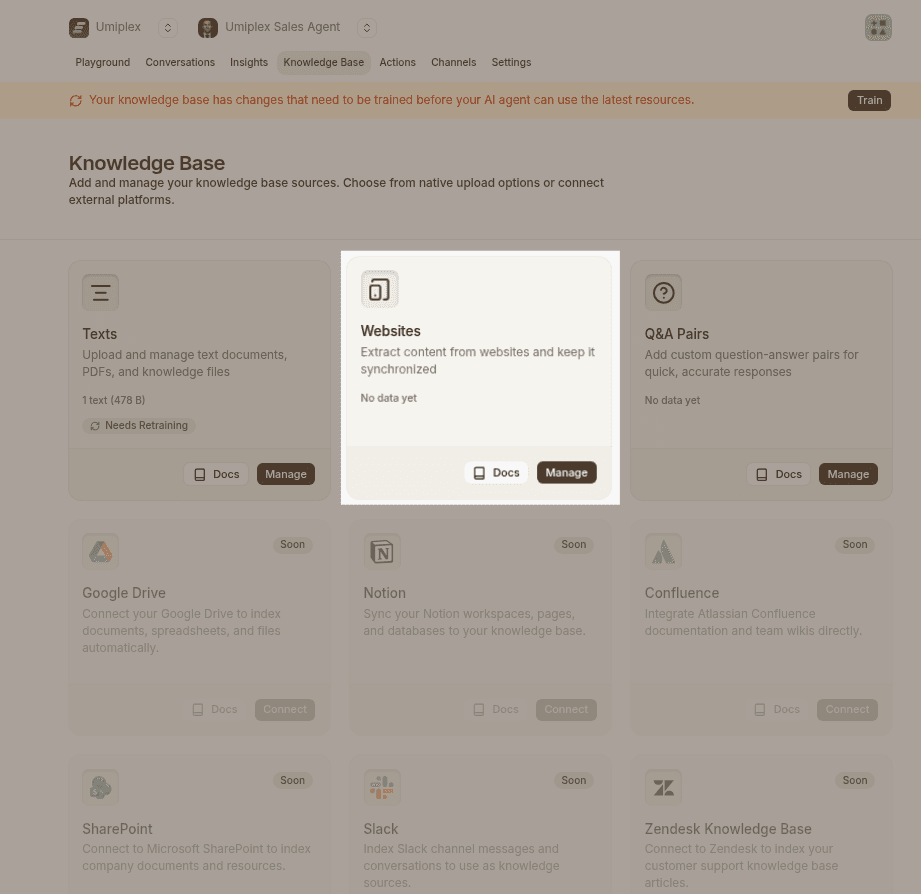
The Website Crawling feature in the Data sources tab enables you to train your AI agent using content directly from websites. Whether you're working with a full site, a sitemap, or individual URLs, this tool gives you flexible control over what gets included in your agent's knowledge base.
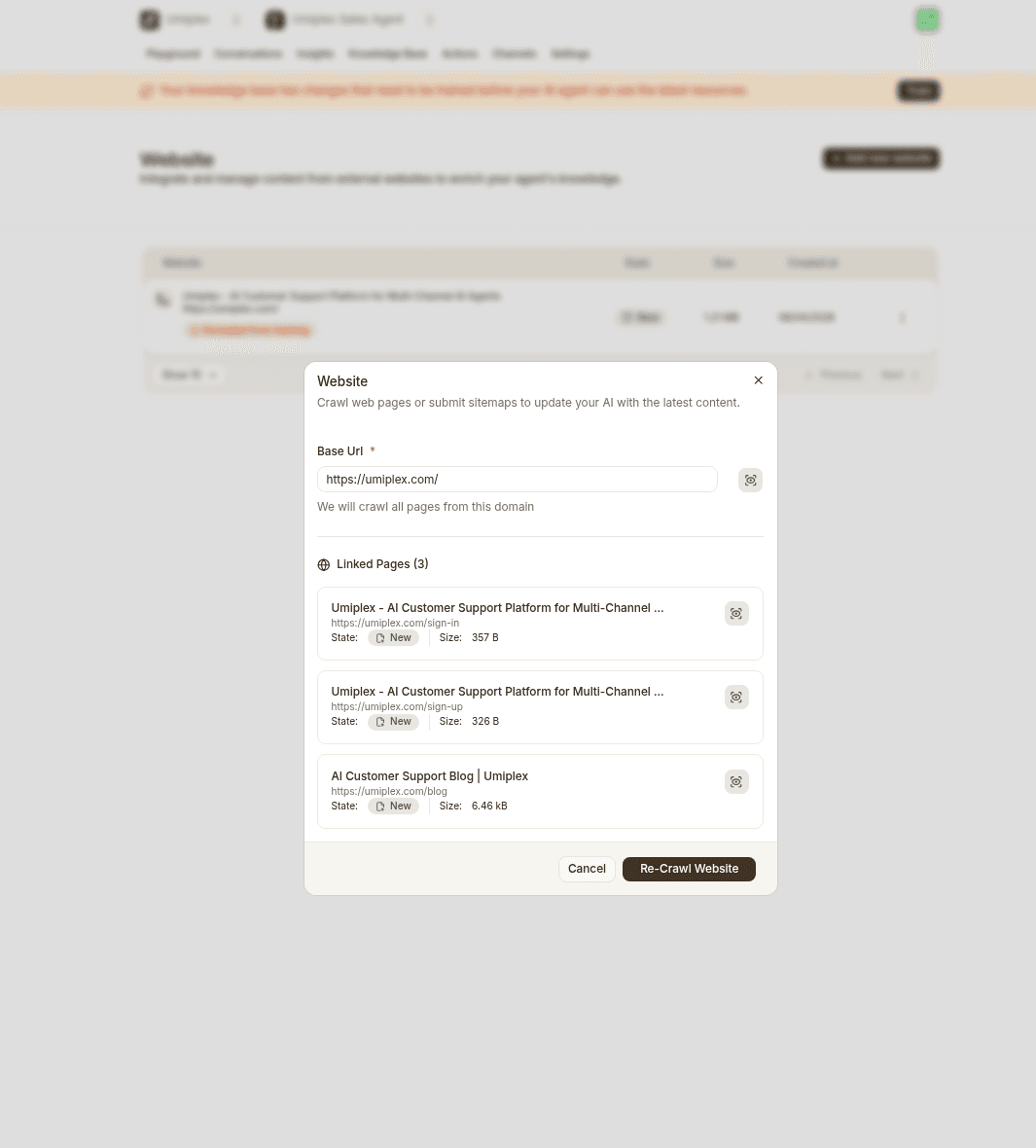
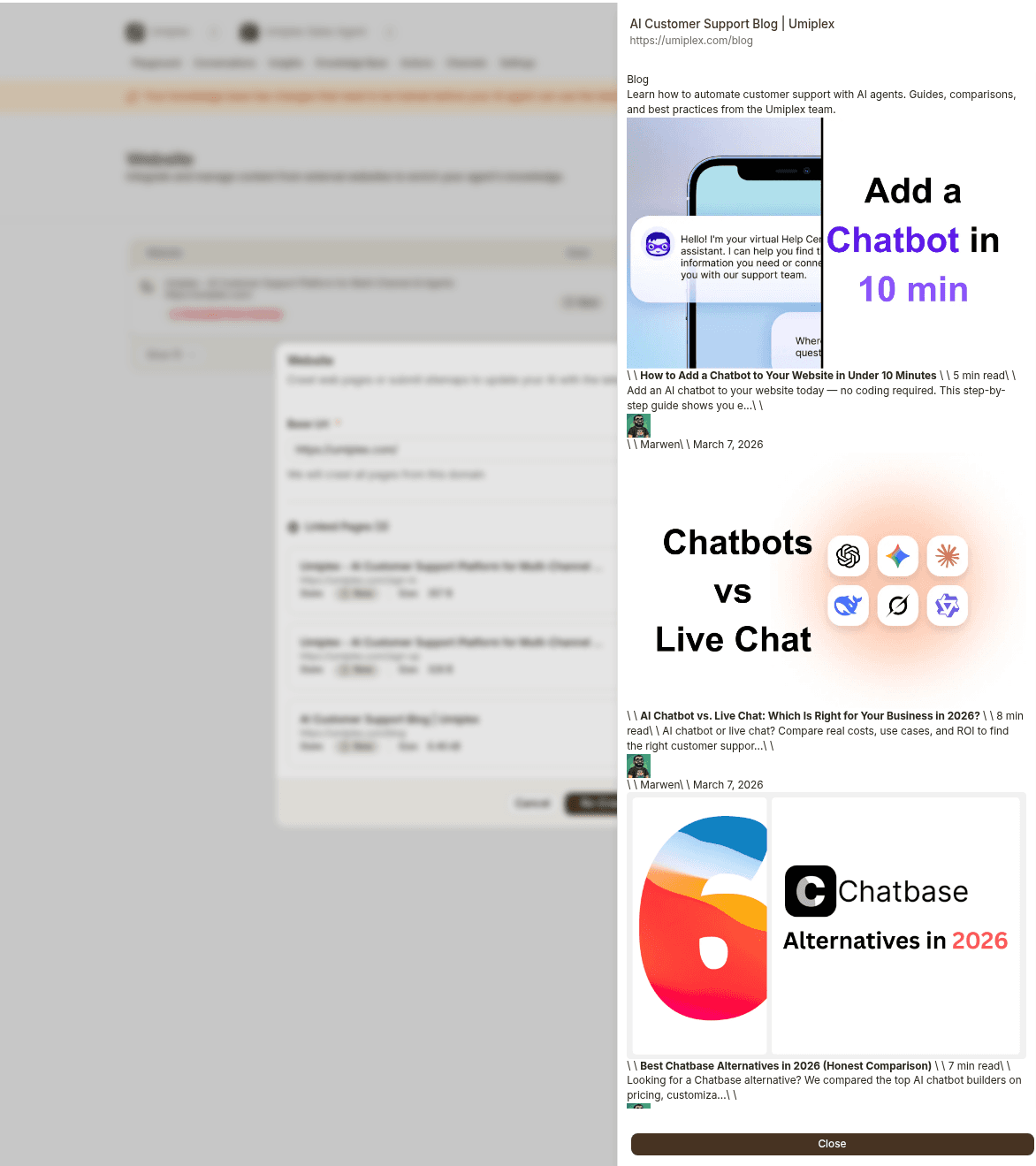
If you're using Shopify, it’s recommended to add your sitemap (/sitemap.xml) instead of crawling the entire website. This reduces total MB usage and avoids duplicate product and collection pages, since Shopify’s sitemap already provides a clean, structured source of your content.
Creating Q&As
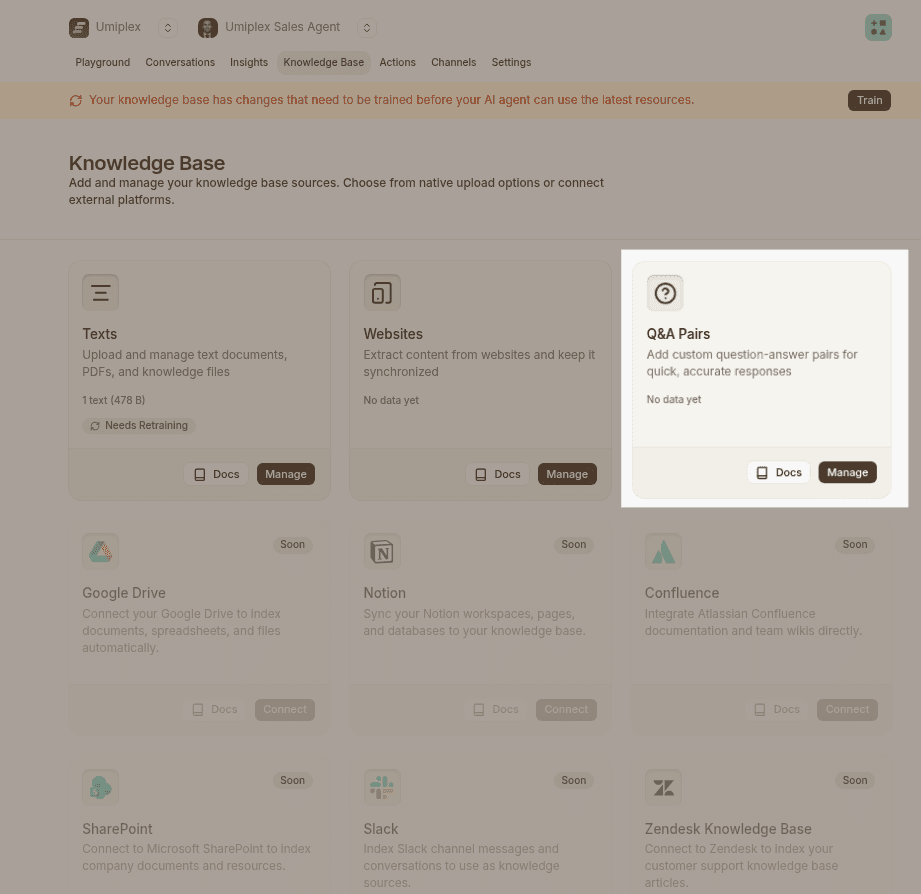
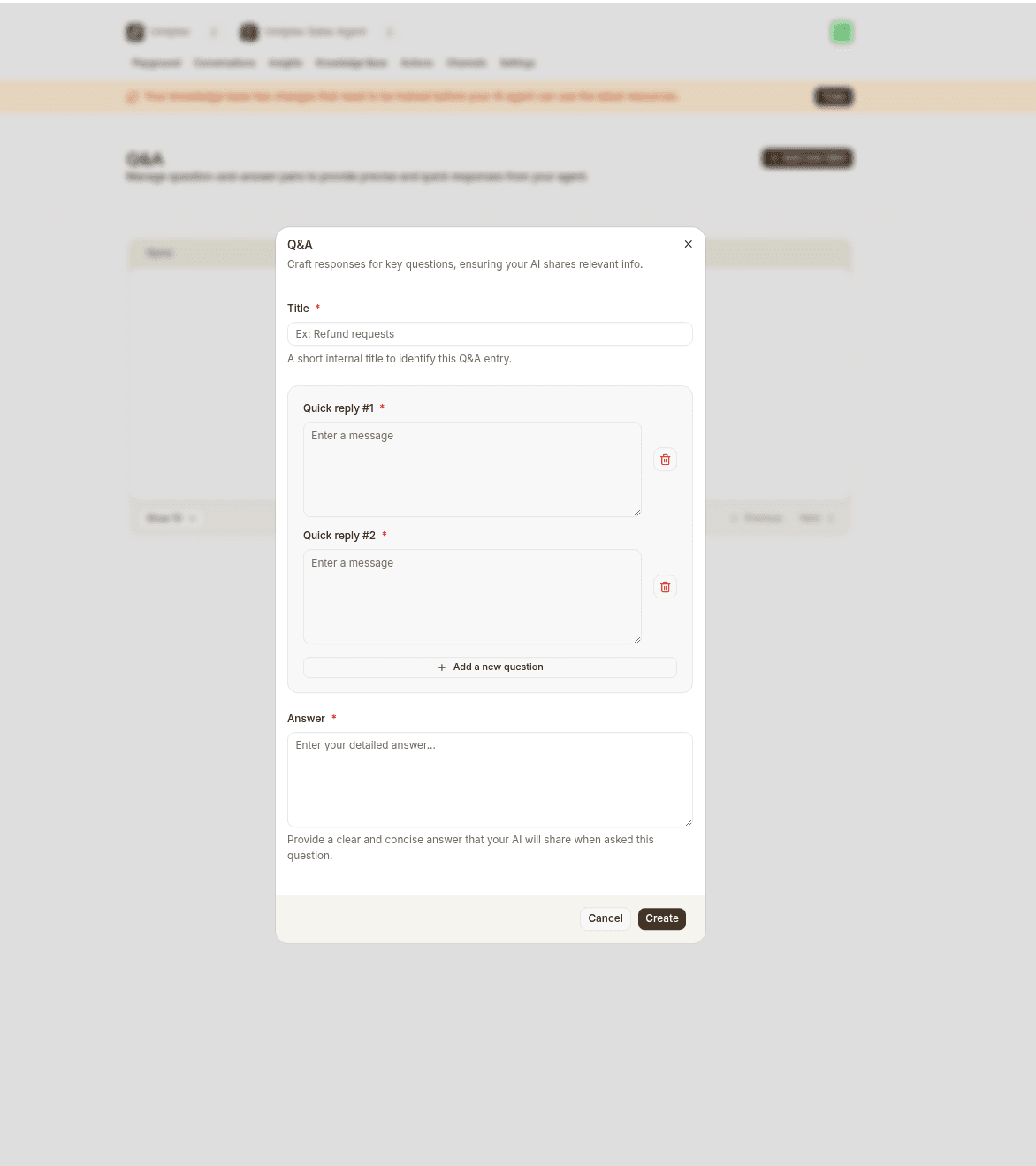
- Each Q&A entry begins with a title, this helps you quickly locate and organize questions.
- You can associate multiple variations of a question with a single answer, improving recognition and response accuracy.
- You can bulk upload Q&As up to 100 rows per file in .xlsx format, with a maximum file size of 1MB.
Management & Deletion
- Delete any Q&A individually.
- To delete all at once, check the box next to "Q&A sources" and click the delete button that appears.
Notion
Sync your Notion database with your agent. Umiplex automatically imports and indexes your Notion content.
Auto Retrain
Keep your agent updated automatically. Auto Retrain refreshes knowledge weekly.
Available on: Standard and Pro plans. Hobby plan users retrain manually.
Supported Sources
- Websites — Discovers new pages, updates content
- Notion — Syncs workspace changes
- Remote storage — Google Drive, Dropbox, and more
How It Works
- Runs automatically every 24 hours
- Fetches latest content from all sources
- New pages discovered automatically
- No manual action needed
Playground
Test and optimize your AI agent before deployment. Compare models, adjust settings like temperature and system prompts, and evaluate responses.
Deploy Your Agent
Deploy your AI agent across web, messaging, and productivity channels. Choose from chat widget, help page, Slack, WhatsApp, and more.