Workspace Management
Create and manage Umiplex workspaces for team collaboration. Control user permissions and organize your AI agents.
Organization Management
Create a Workspace
To create a new workspace, click Create or join workspace from the workspace selector dropdown.
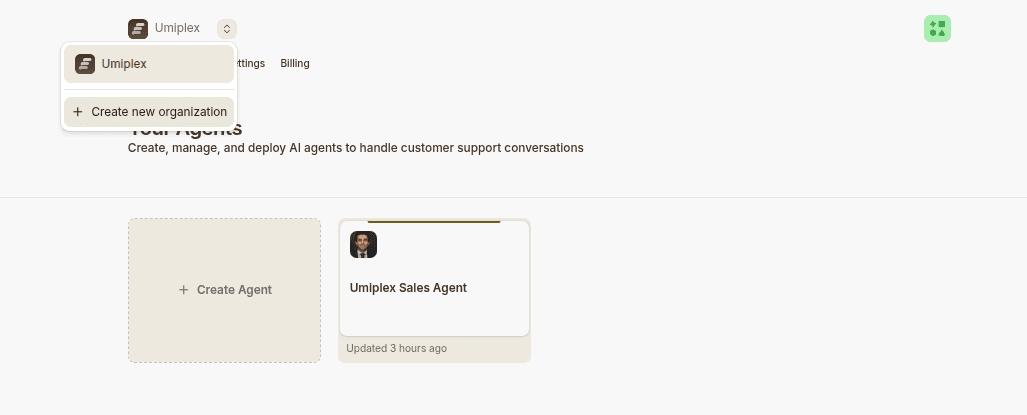
Enter the workspace details:
- Workspace Name — Display name shown in your dashboard
- Workspace URL — Slug used in URLs (must be unique)
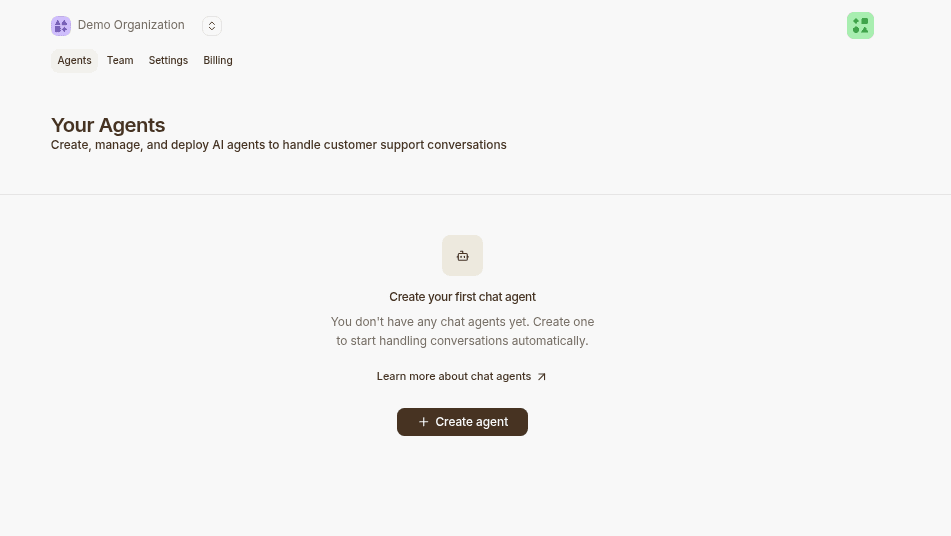
After creating your workspace, click New AI agent to start building.
Workspace Details
Each workspace is independent:
- AI agents — Your workspace holds your agents
- Billing & plan — Separate from other workspaces
- Members — Manage who has access
Roles & Permissions
Owner
- Change workspace settings (billing, plan, name)
- Delete the workspace and all agents
- Manage all agents
- Invite and remove members
Member
- Create and manage agents
- View agent analytics
- Delete agents
- Cannot change workspace settings
Viewer
- Read-only access
- View analytics
- Test agents in Playground
- Cannot modify settings or data
Invite Team Members
Invite team members to collaborate on agents.
Invite links expire after 24 hours. Send new invites if needed.