Agent Settings
Configure your agent's general settings, security, notifications, webhooks, and rate limits.
General
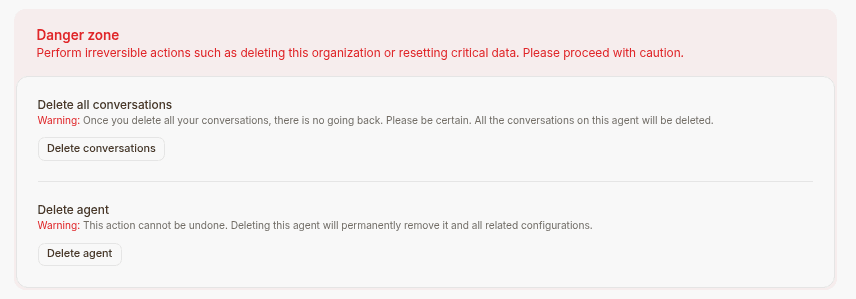
This tab shows the AI agent ID, the number of characters, the name of the AI agent, the credit limit, delete AI agent and delete conversations.
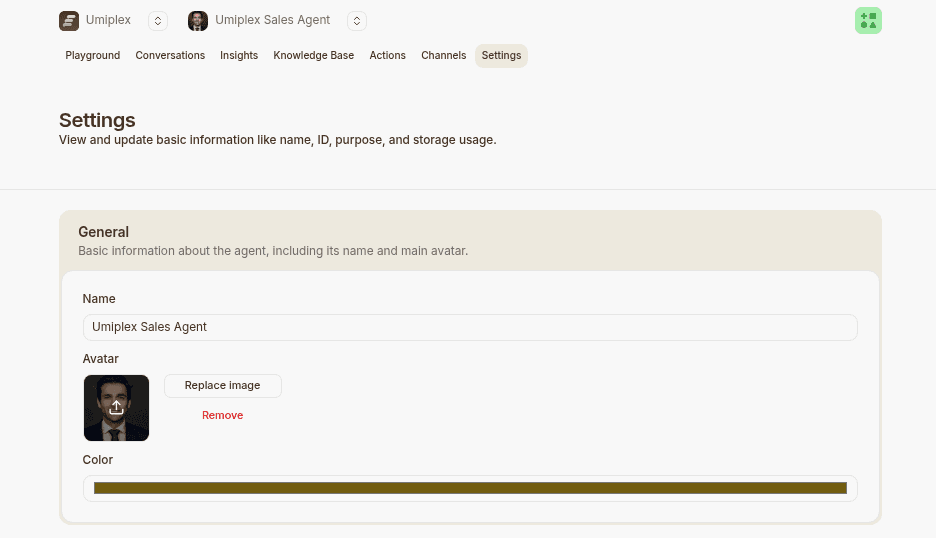
The Credit Limit is activated when you want to set the maximum limit of credits to be used by this AI agent from the credits available on the workspace.
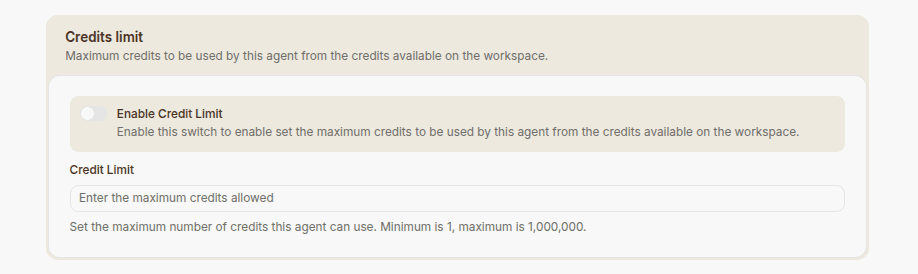
DANGER ZONE
The actions done in the section aren’t reversible. If you deleted the AI agent or the conversations, you can’t retrieve them moving forward.
Security
You can limit what domains the iframe can be embedded in and also set the rate limits which restricts the amount of messages send from one device over the chosen time period.
You can also embed it on your website so your website visitors are able to use it.
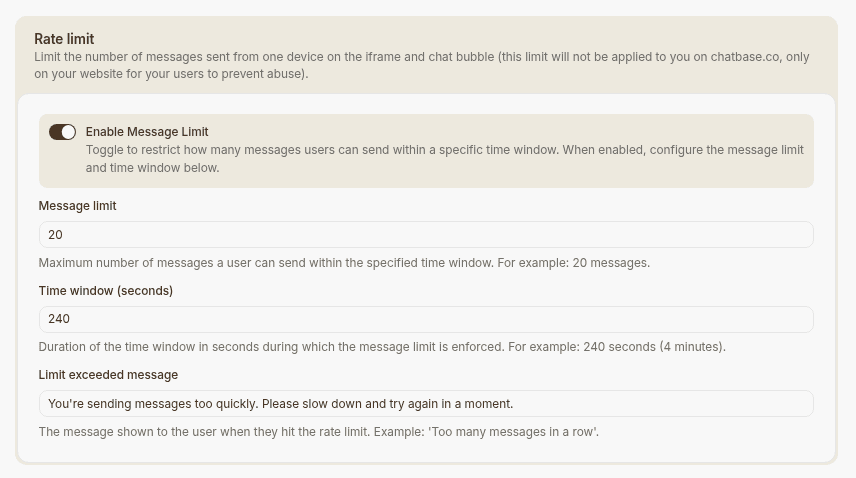
Additionally you can limit what domains the iframe can be embedded in and also set the rate limits which restricts the amount of messages send from one device over the chosen time period.
Finally, you are also able to set the message you display once this rate limit is hit.
Notifications
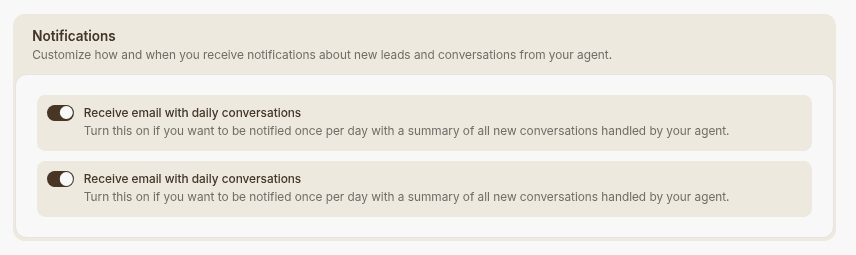
From this page, you can configure the notifications you get from the bot. You can either opt for getting one email per day that contains all the leads submitted for that day. You can also opt for another email that sends you a daily email with the conversations done on that day.
You can add multiple email addresses to receive these emails if needed
Webhooks
On this page, you can configure a webhook to trigger based on a selected action.
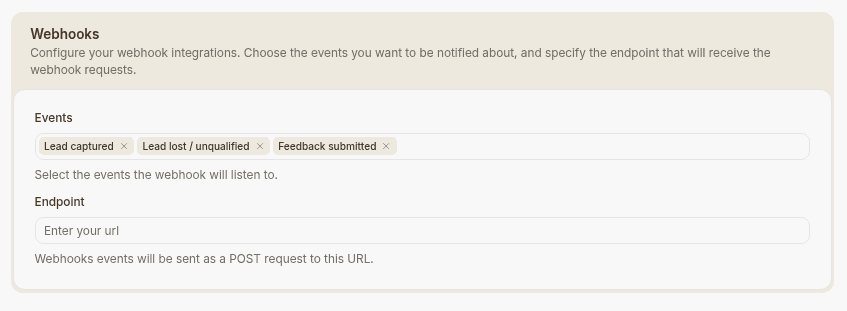
Currently, the available action is “lead submitted.” When a new lead is submitted through your bot’s lead form, our system automatically triggers the webhook.
The webhook sends a POST request to your chosen API, including the conversation ID and lead form data (name, email, and phone number).
You can use this to automate workflows with third-party tools by capturing the webhook and using it to send messages or perform other actions.